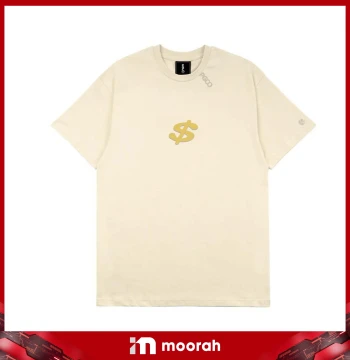
 PGCO Shirt - Beige (Dollar $ Sign)
View Latest Price
PGCO Shirt - Beige (Dollar $ Sign)
View Latest Price
T-Shirt
10 of 10 products
PGCO Shirt - Beige (Dollar $ Sign)
View Latest Price
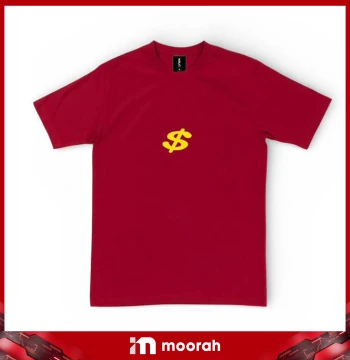 PGCO Shirt - Red (Dollar $ Sign)
View Latest Price
PGCO Shirt - Red (Dollar $ Sign)
View Latest Price
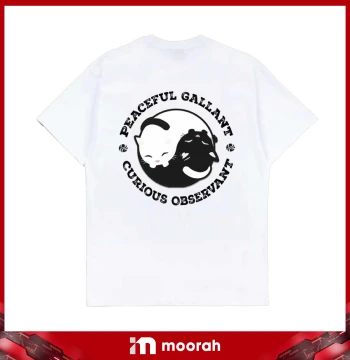 PGCO Shirt - White (Black & White Cat)
View Latest Price
PGCO Shirt - White (Black & White Cat)
View Latest Price
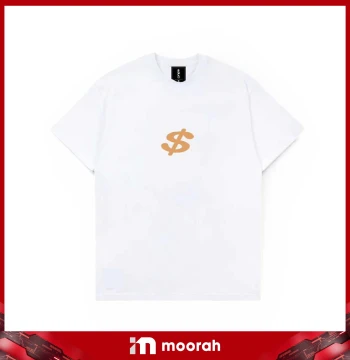 PGCO Shirt - White (Dollar $ Sign)
View Latest Price
PGCO Shirt - White (Dollar $ Sign)
View Latest Price
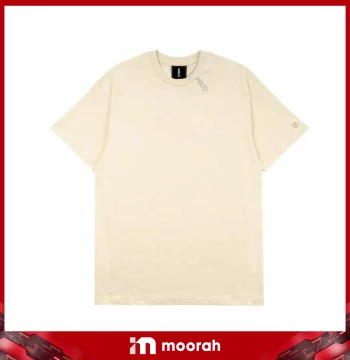 PGCO Shirt - Beige
View Latest Price
PGCO Shirt - Beige
View Latest Price
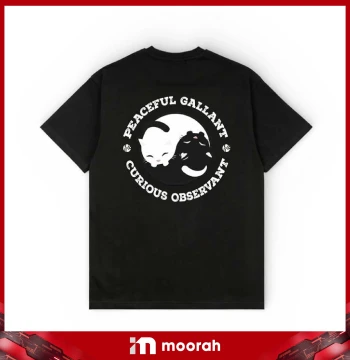 PGCO Shirt - Black (Black & White Cat)
View Latest Price
PGCO Shirt - Black (Black & White Cat)
View Latest Price
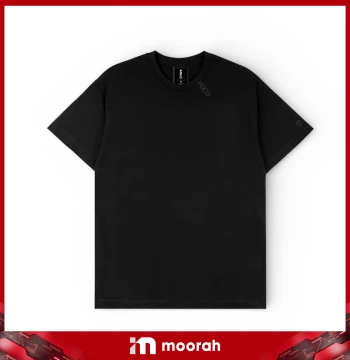 PGCO Shirt - Black - (Side Small Logo)
View Latest Price
PGCO Shirt - Black - (Side Small Logo)
View Latest Price
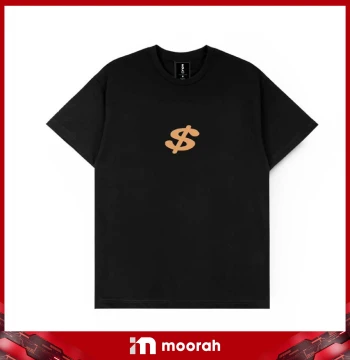 PGCO Shirt - Black (Dollar $ Sign)
View Latest Price
PGCO Shirt - Black (Dollar $ Sign)
View Latest Price
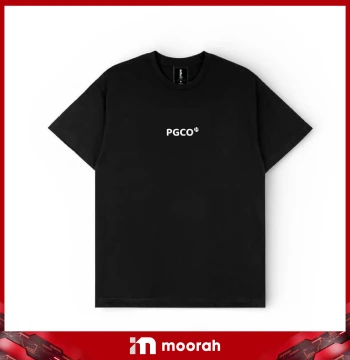 PGCO Shirt - Black (Gold & White Cat)
View Latest Price
PGCO Shirt - Black (Gold & White Cat)
View Latest Price
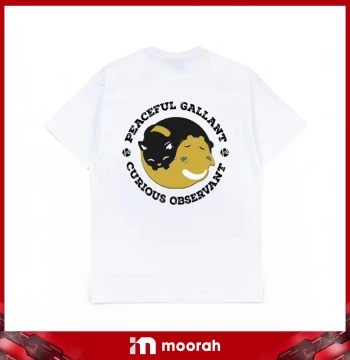 PGCO Shirt - White (Gold & Black Cat)
View Latest Price
PGCO Shirt - White (Gold & Black Cat)
View Latest Price
Moorah T-Shirt – Explore PGCO Shirt Designs
Moorah T-Shirt offers a collection of PGCO shirts in beige, red, white and black, with Dollar Sign, Cat and Side Small Logo designs. Browse all available styles, check the size measurements, select your preferred size and add the chosen PGCO Shirt to your cart for checkout.
Moorah T-Shirt Collection
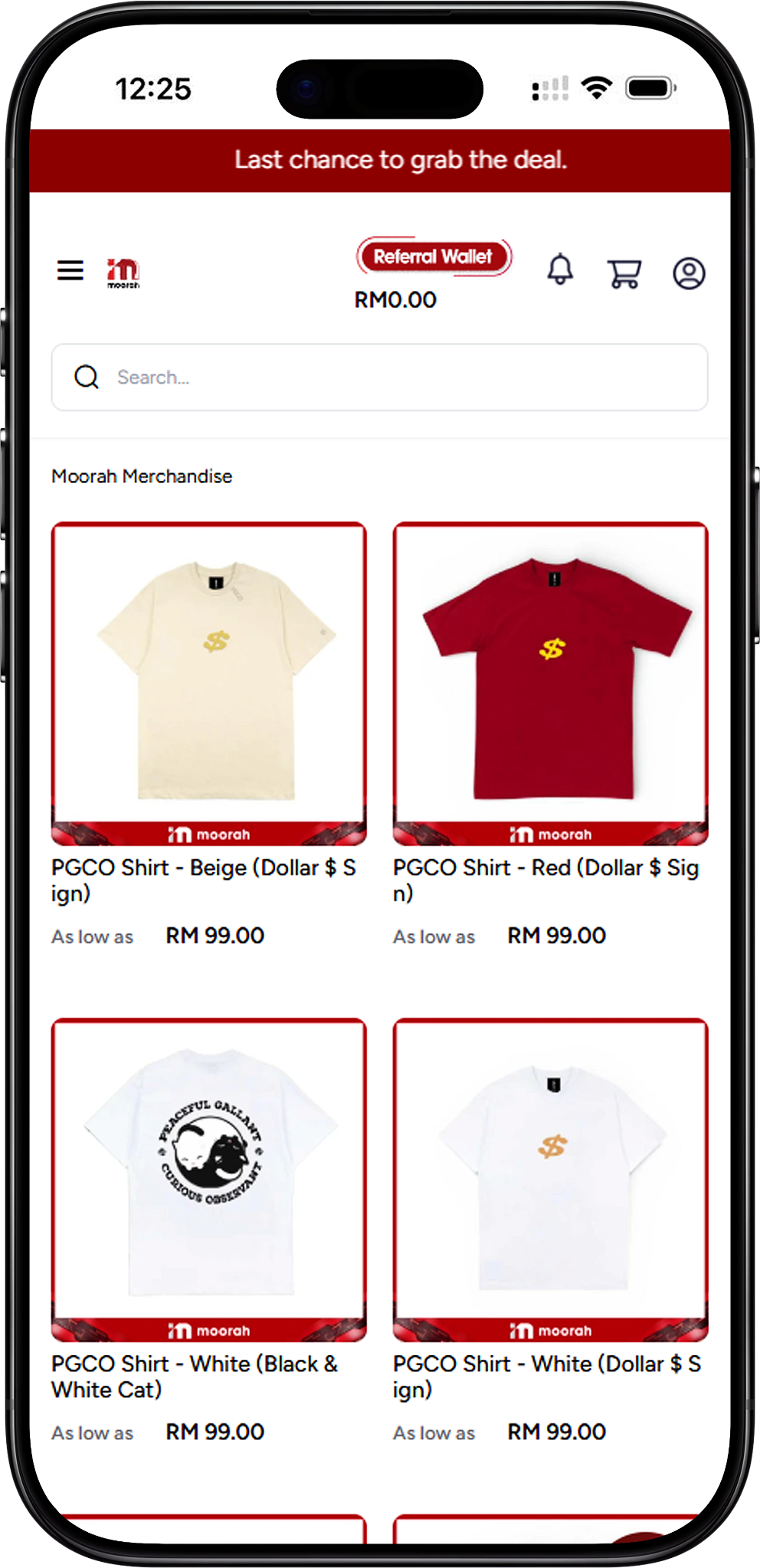
PGCO Shirts Available on Moorah
The Moorah T-Shirt collection includes 10 PGCO Shirt options: PGCO Shirt - Beige (Dollar $ Sign), PGCO Shirt - Red (Dollar $ Sign), PGCO Shirt - White (Black & White Cat), PGCO Shirt - White (Dollar $ Sign), PGCO Shirt - Beige, PGCO Shirt - Black (Black & White Cat), PGCO Shirt - Black - (Side Small Logo), PGCO Shirt - Black (Dollar $ Sign), PGCO Shirt - Black (Gold & White Cat), and PGCO Shirt - White (Gold & Black Cat). The collection provides several colour and graphic combinations for customers to browse and compare.
PGCO Dollar Sign Shirts
Dollar Sign Designs in Beige, Red, White and Black
The PGCO Dollar Sign selection includes four colour options: PGCO Shirt - Beige (Dollar $ Sign), PGCO Shirt - Red (Dollar $ Sign), PGCO Shirt - White (Dollar $ Sign), and PGCO Shirt - Black (Dollar $ Sign). Each option uses the Dollar Sign graphic with a different shirt colour, allowing customers to select their preferred combination.
PGCO Cat Design Shirts
Black & White and Gold Cat Designs
Customers looking for graphic T-Shirts can choose from PGCO Shirt - White (Black & White Cat), PGCO Shirt - Black (Black & White Cat), PGCO Shirt - Black (Gold & White Cat), and PGCO Shirt - White (Gold & Black Cat). These options combine black or white shirt colours with different Cat graphic colour combinations.
PGCO Minimal Shirt Designs
Beige and Side Small Logo Styles
The collection also includes PGCO Shirt - Beige and PGCO Shirt - Black - (Side Small Logo). These provide additional PGCO styles alongside the Dollar Sign and Cat graphic designs in the Moorah merchandise collection.
Moorah T-Shirt Sizes
PGCO Shirt Size Guide
The displayed PGCO T-Shirt size guide covers S, M, L, XL and 2XL. Size S has a top length of 66 cm and chest width of 47 cm; M measures 67 cm and 50 cm; L measures 68 cm and 52 cm; XL measures 70 cm and 54 cm; and 2XL measures 72 cm and 57 cm. Customers can use these measurements to compare sizes before choosing an option.
Select Your T-Shirt Size
Open the T-Shirt size selector on the product page and choose the required size before adding the shirt to the cart. Available size selections should be checked directly on the chosen product page before ordering.
How to Order Moorah T-Shirt
Ordering a Moorah T-Shirt starts by choosing a PGCO Shirt design and size. Customers can then add the product to the Shopping Cart, review the order, complete the billing and shipping information, select a shipping and payment method, and proceed with payment.
Step 1 – Choose a PGCO Shirt
Browse the Moorah T-Shirt collection and open your preferred PGCO Shirt. Compare the available colours and designs, including Dollar Sign, Cat and Side Small Logo styles.
Step 2 – Check the Size Guide
Review the displayed size measurements for S, M, L, XL and 2XL. Compare the top length and chest width measurements before selecting your preferred T-Shirt size.
Step 3 – Select the Size and Quantity
Use the T-Shirt selector to choose the required size, then set the quantity using the plus or minus controls. Once the selection is correct, choose Add To Cart.
Step 4 – Review the Shopping Cart
After adding the PGCO Shirt, the Shopping Cart displays the selected product, quantity and subtotal. Customers can adjust the quantity, remove the item, select Continue to Checkout, or open View Cart for a more detailed order review.
Step 5 – Check the Cart Summary
On the Cart page, review the selected PGCO Shirt, quantity and Cart Summary. Customers can update the cart, continue shopping or select Proceed To Checkout. A coupon option is also displayed in the Cart Summary when applicable.
Step 6 – Enter Your Billing Address
Complete the required checkout information, including first name, last name, address, country, state, city, postcode and telephone number. The checkout page also displays fields for company name and email.
Step 7 – Confirm Your Shipping Address
Select Use same address for shipping? when the shipping destination is the same as the billing address. Review the entered information and select Proceed to continue.
Step 8 – Select the Shipping Method
Review the Shipping Method section before payment. The checkout displays a Dynamic Rate – Calculate Based on Weight shipping option, while the Cart Summary shows the applicable delivery charge together with the subtotal, coupon discount, tax and grand total.
Step 9 – Choose a Payment Method
The checkout page displays payment options including Online Banking, Referral Wallet, USDT (Ethereum), and USDT (Tron). The page also states that the minimum USDT deposit amount cannot be less than 10. Select the preferred available payment method before placing the order.
Step 10 – Place Your Order
Check the selected PGCO Shirt, quantity, shipping details, payment method and final Cart Summary. When the information is correct, select Place Order to proceed to the selected payment channel.
Step 11 – Select an Online Banking, E-Wallet or QR Channel
When using the displayed online payment service, the available channels shown include Maybank, CIMB Bank, Public Bank, Hong Leong Bank, RHB Bank, Alliance Bank, BSN, Touch ’n Go eWallet, DuitNow, GrabPay, ShopeePay, and Boost. Select the preferred available channel to continue.
Step 12 – Complete Payment
Follow the instructions provided by the selected payment channel. The payment page advises customers to ensure their bank account is activated for online payment processing, avoid clicking the submit button more than once and avoid refreshing the browser during the transaction.
Step 13 – Keep the Payment Reference Number
Take note of the reference number displayed on the payment page. The payment instructions recommend retaining this reference in case Customer Service needs it for further action related to the transaction.
Moorah T-Shirt FAQ
What T-Shirts are available on Moorah?
Moorah offers 10 listed PGCO Shirt designs across beige, red, white and black, including Dollar Sign, Cat, plain beige and Side Small Logo styles.
What sizes are available for Moorah T-Shirts?
The displayed size guide includes S, M, L, XL and 2XL, with top length and chest width measurements provided for each size. Availability should be checked on the selected product page.
Which PGCO Dollar Sign Shirt colours are available?
The Dollar Sign design is listed in beige, red, white and black.
Does Moorah offer PGCO Cat design shirts?
Yes. The listed collection includes White (Black & White Cat), Black (Black & White Cat), Black (Gold & White Cat), and White (Gold & Black Cat) designs.
How do I choose a PGCO Shirt size?
Open the selected product page, review the displayed size guide and use the T-Shirt size selector to choose your preferred available size before selecting Add To Cart.
What payment methods are displayed at checkout?
The checkout displays Online Banking, Referral Wallet, USDT (Ethereum), and USDT (Tron). The online payment service also displays supported Malaysian banking, e-wallet and QR channels.
Explore Moorah T-Shirt Styles
Browse all PGCO Shirt designs on Moorah, compare colours and graphics, check the size guide and choose your preferred T-Shirt.